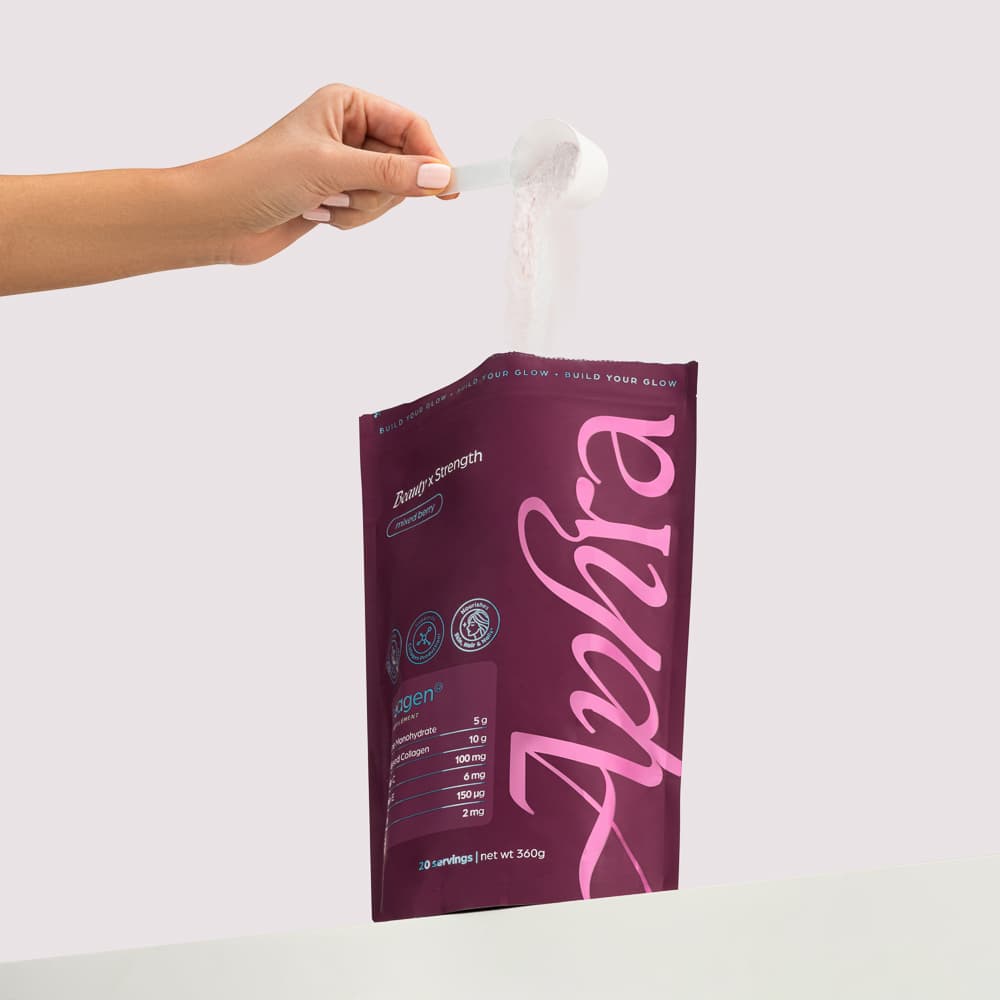
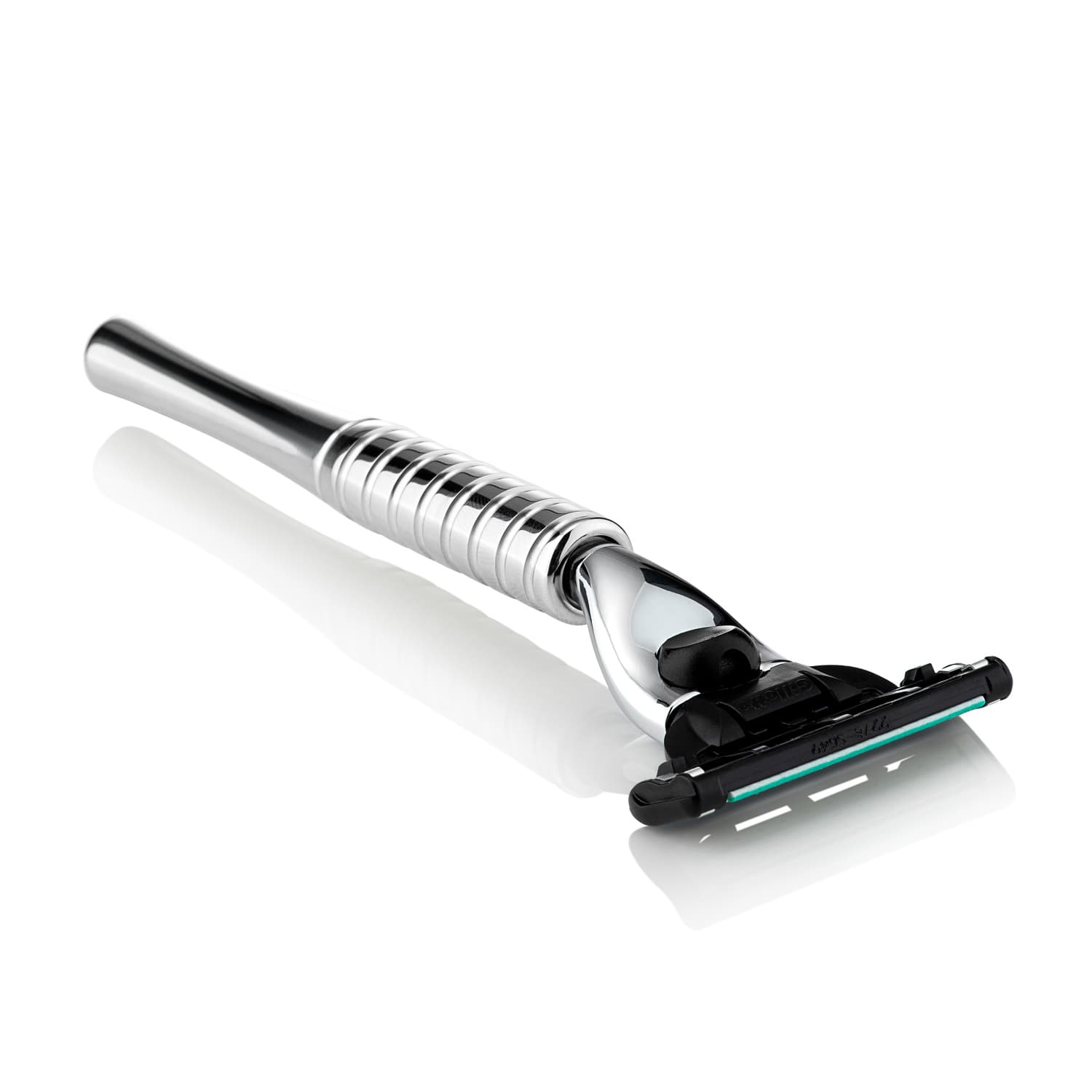
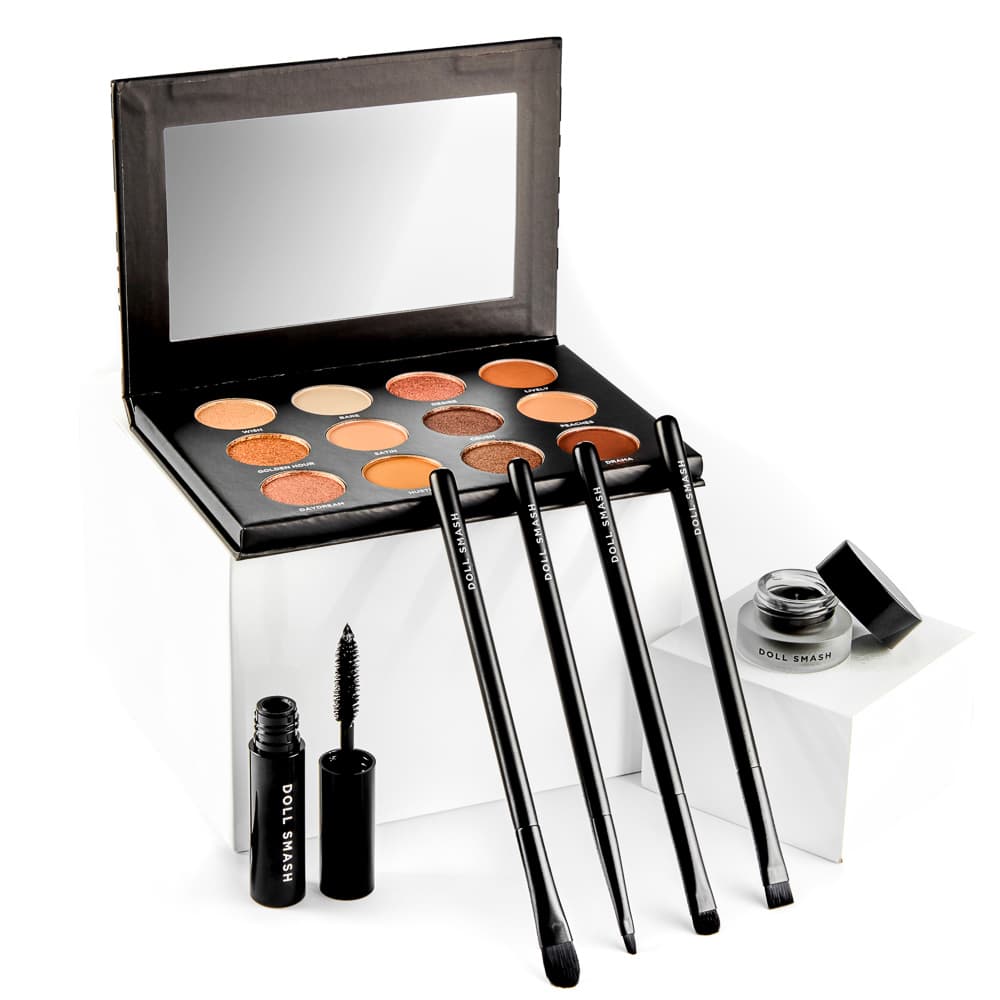
An advertising image has limited time and space to communicate. Start with one product message and choose the image that makes it clear. Adding more props, effects and text does not necessarily make the advert easier to understand.
Give the photographer or designer the planned placements before production. A square social post, vertical story and wide display asset may need different compositions rather than automated crops of one image.
Decide what the viewer should notice first
Identify the product and the point of the advert. Is the message about a material, a use, a range or a new release? Make sure the composition supports that point and does not bury the item beneath styling.
A clean, recognisable product can be a stronger starting point than a complicated scene. Use visual interest where it helps the message.
Leave useful space for the layout
Show where the heading, branding and call to action will sit. Ask for enough flexibility to create the required variants without covering the label or cropping an important feature.
Test the smallest placement early. If the advert depends on tiny text or a subtle detail that disappears on a phone, simplify the idea.

Keep product claims accurate
Supply approved copy and verified dimensions or feature information. The image should not imply extra contents, a different size or an unsupported use. Check visual implications as carefully as written claims.
AI imagery can help explore scenes and campaign treatments. Review the product, text, props and interactions in every final candidate. PMP AI Studio is available for self-service creative work from your product photos.
Test a clear difference
When comparing creative options, change something you can describe: crop, message, background or image role. Keep a record of the versions and the conditions under which they ran. Audience, placement and spend can affect results alongside the artwork.
Avoid treating one successful advert as a universal formula. Use the result to decide the next useful test.
Keep the handoff organised
Deliver files named by campaign, format and version. Retain the approved product masters so later campaigns do not start from compressed adverts. Confirm any usage limits for models, props or supplied third-party assets within the project agreement.
For help creating source images, explore PMP’s hero image service or share the campaign brief.