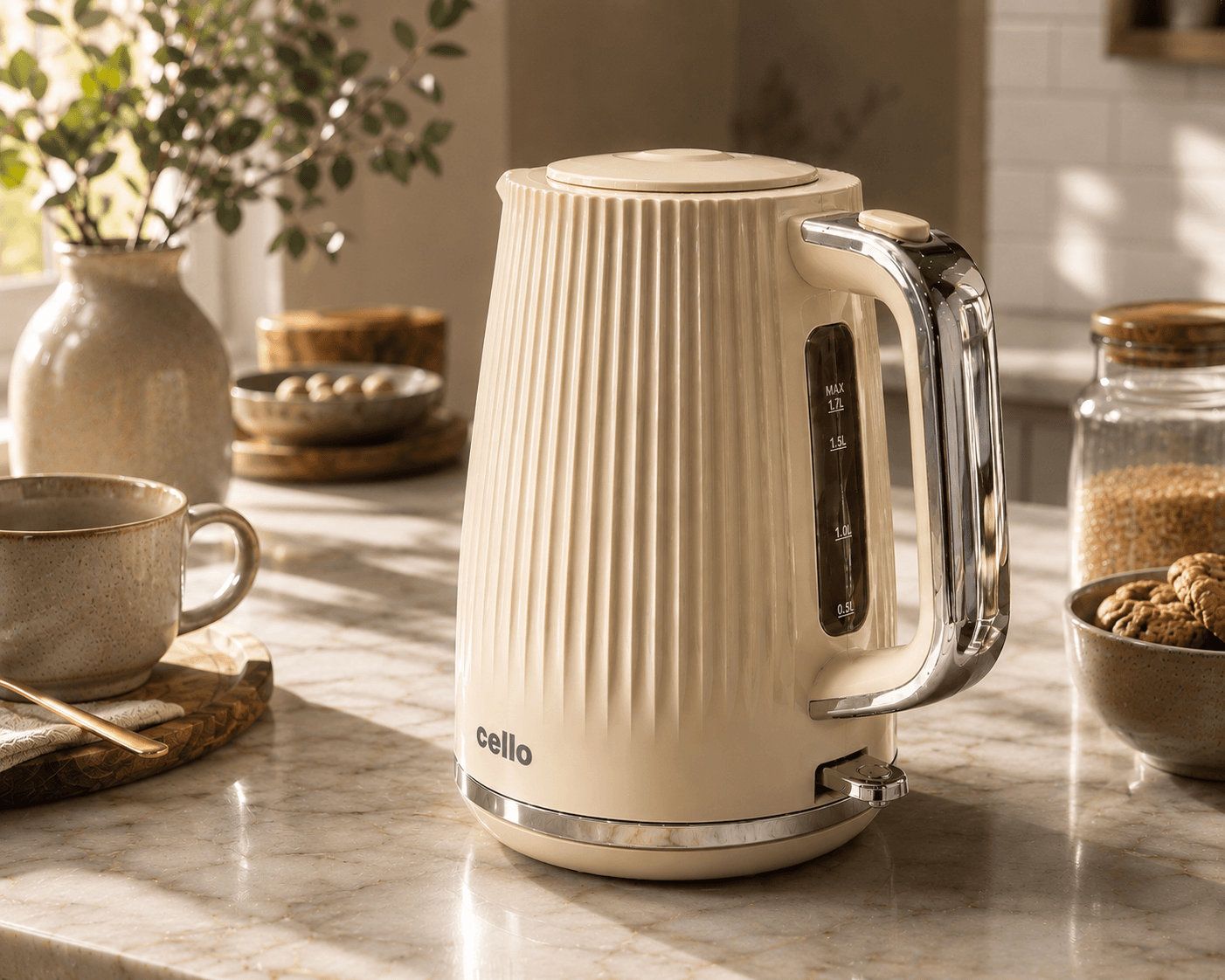
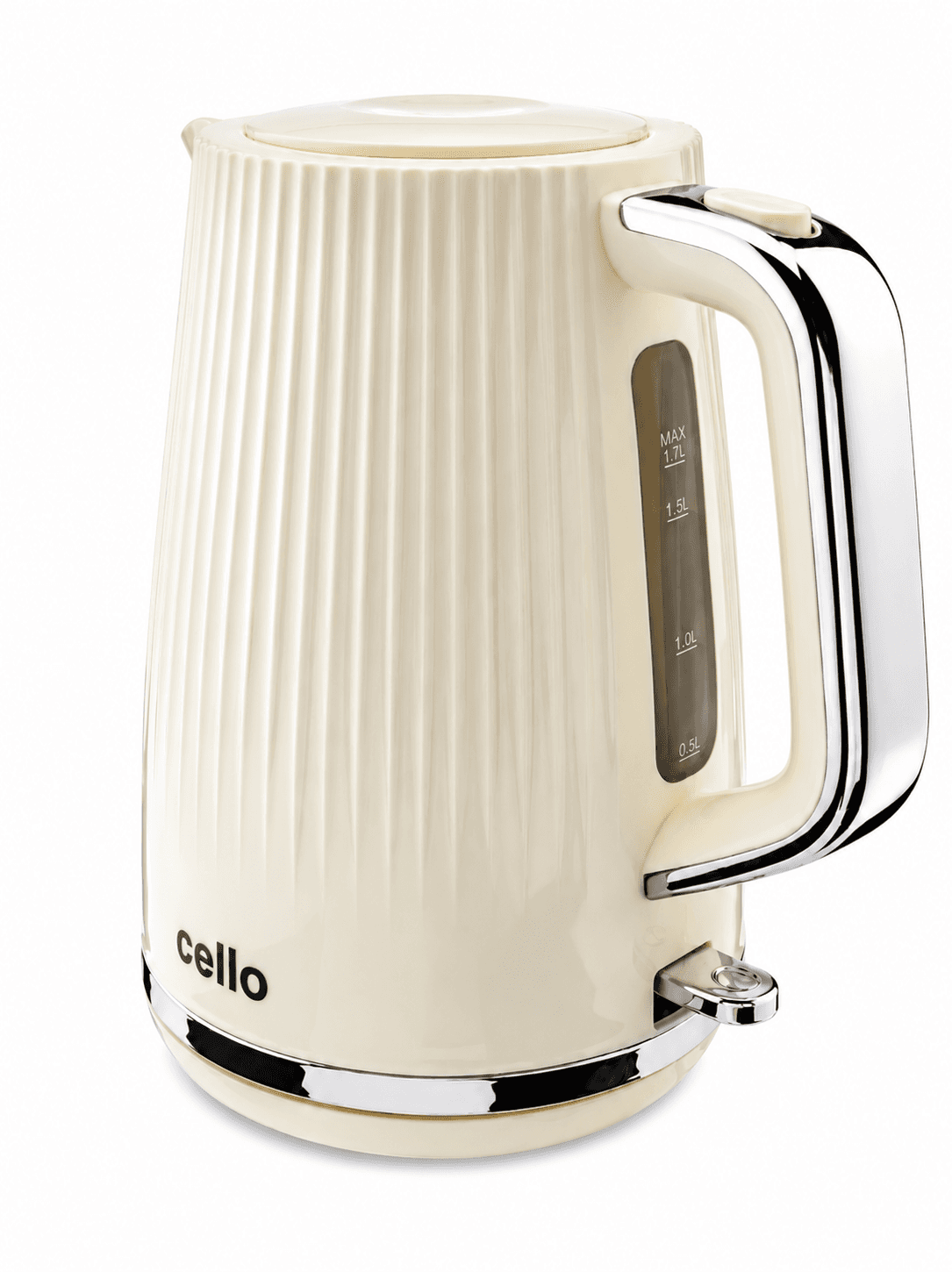
The kettle images in this article come from PMP’s earlier comparison of phone photography, AI imagery, studio capture and a combined approach. They are useful because a kettle has recognisable geometry, reflective parts and details that are easy to compare. They are a worked example, not a benchmark for every current AI tool.
Keep the date and scope in mind. Models and workflows change. A result from one set of inputs cannot establish that all AI images share the same strengths or faults. The enduring value of this comparison is learning what to inspect.
First, look at the reference
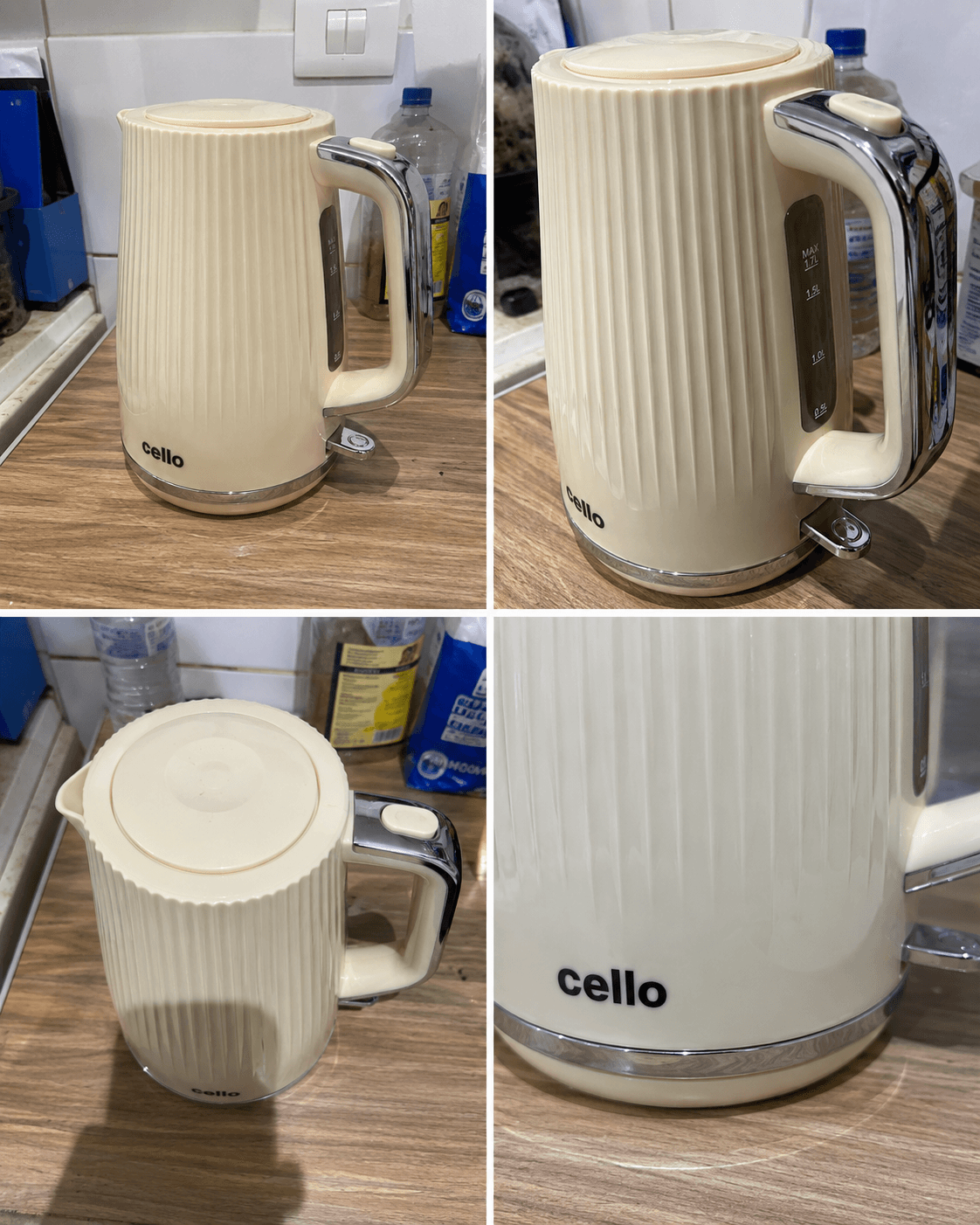
A phone photograph can show the product clearly enough to begin a project. Check whether it also records the parts needed in the intended final image. Can you see the spout, handle connection, lid and base? Does glare hide the finish? Is perspective making one part look wider than it is?
A second view can resolve a question that a longer written prompt cannot. Photographing a missing detail is often more useful than repeatedly asking a tool to guess it.
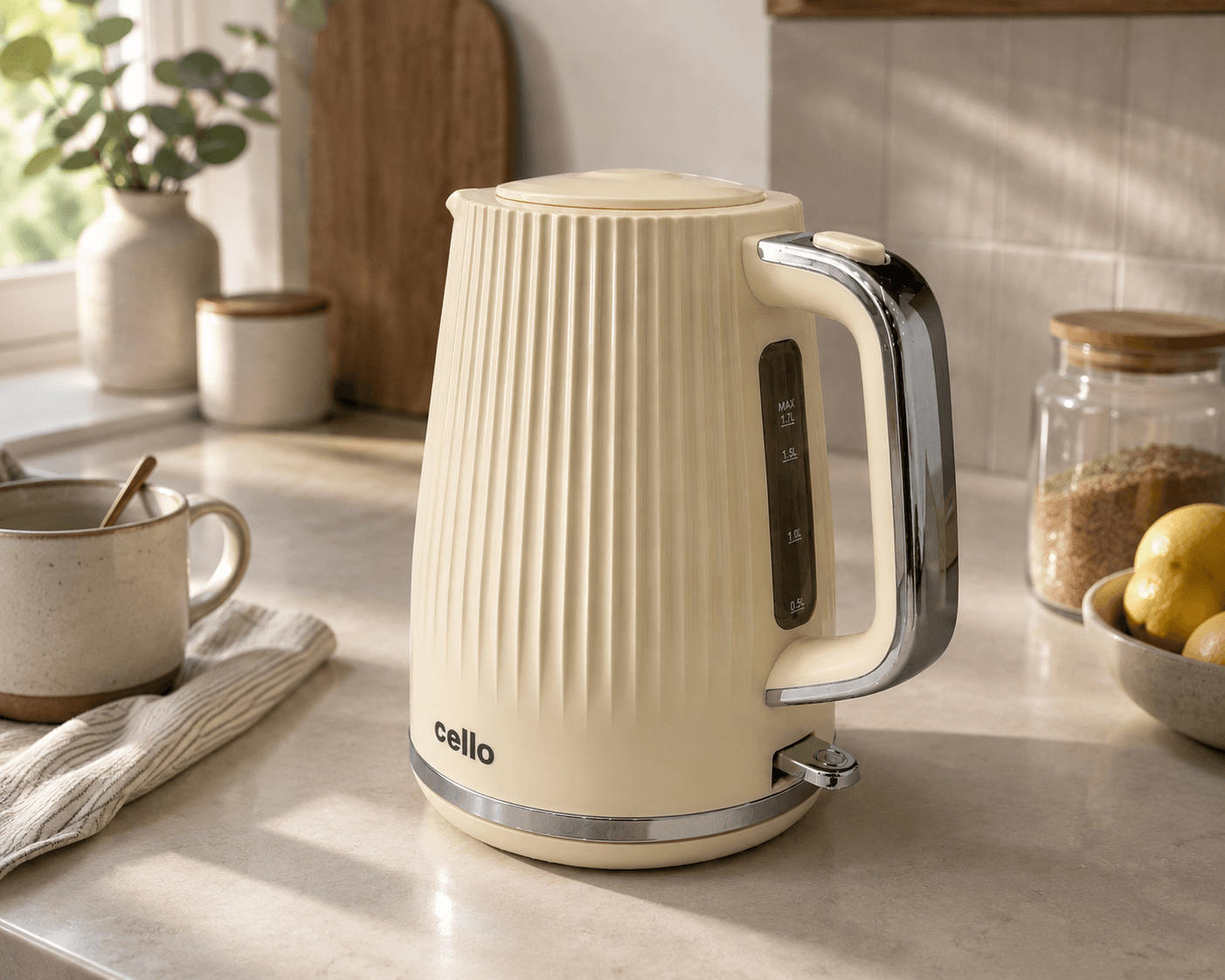
Separate the scene from the product
Judge the environment first: light direction, camera height, contact with the surface and whether there is space for the intended layout. Then inspect the kettle itself against the source. A lovely kitchen can distract from a changed spout or handle.
Reflective materials deserve their own pass. Reflections should help describe the surface and sit plausibly in the scene. They do not need to match the original room, but they should not change the apparent construction or turn polished metal into a different material.
What the studio capture contributes
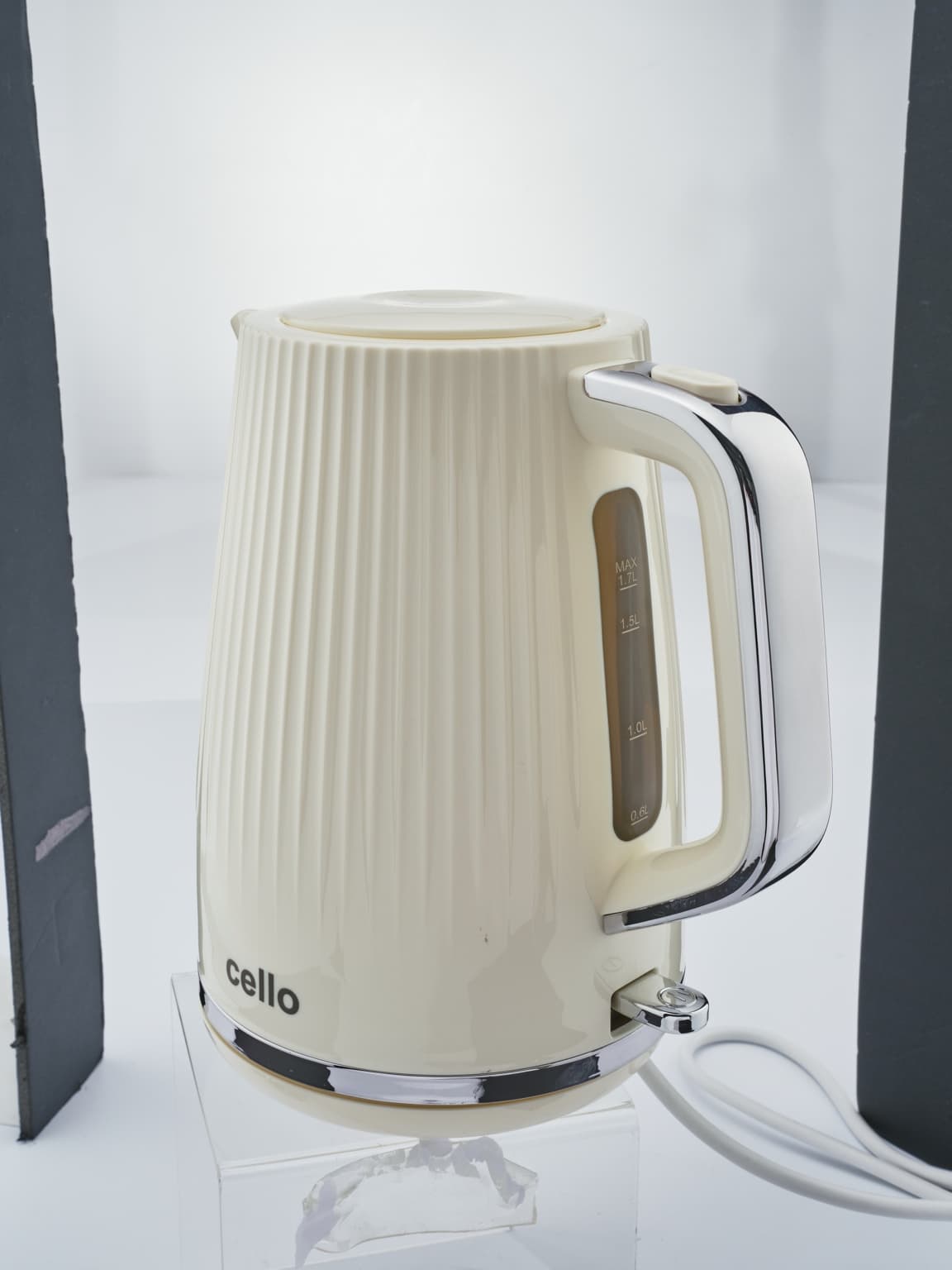
Controlled photography lets the team choose the angle, shape the reflections and record the real sample. Retouching can remove dust and temporary marks while preserving the product’s design. This is useful source material whether the final delivery is a simple packshot or a more involved composition.
It does not mean every project needs a new shoot. If existing photographs contain the views and detail required, reuse may be a sensible option. The decision belongs in the brief.
Review a set, not only your favourite image
Put the approved candidates together. Does the product keep the same proportions and colour? Do the backgrounds suit the same brand? Does one picture show an accessory that is absent elsewhere? A set can reveal drift that is hard to spot when approving images one at a time.
Use a small trial before committing a full range. Record the source images and corrections needed, so the next product has a clear starting point.
How this applies to PMP today
PMP AI Studio offers a route to AI product imagery using your own source photographs, alongside the studio’s photography and retouching services. This older comparison should not be read as a description of the current application’s output or a promise of exact preservation.
For a managed shoot, ask us to compare the practical routes for your product. The useful answer is a plan for the images you need, the checks they will receive and the work included in the estimate.


