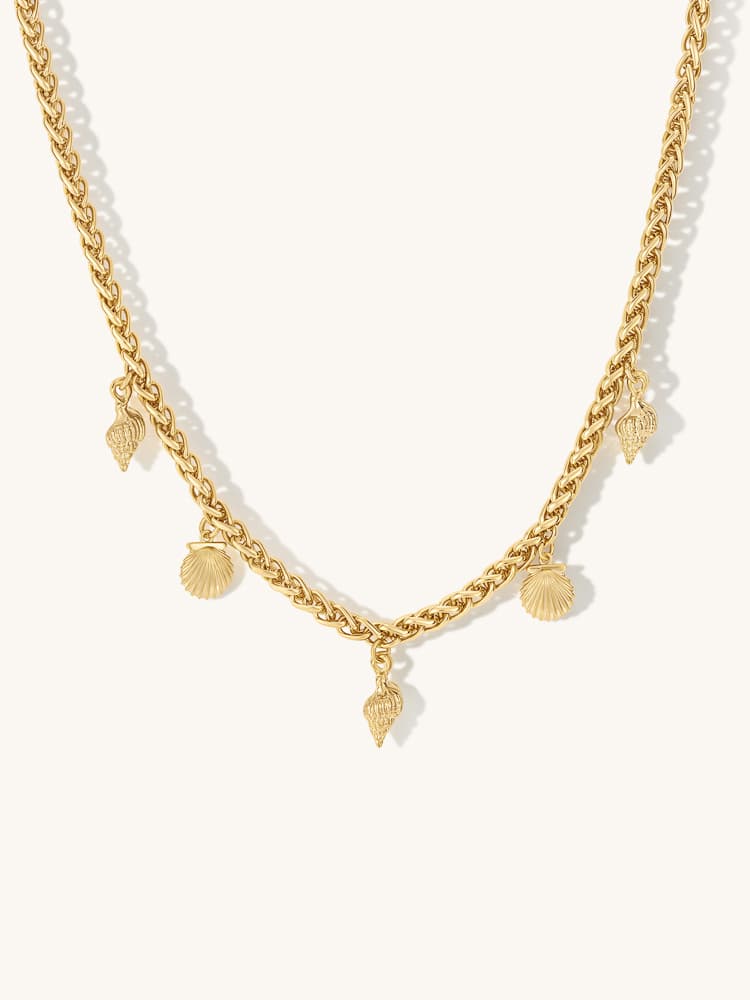
Buying online means judging a physical object without holding it. The images help bridge that gap, but only when they show information the customer can use. An impressive scene cannot compensate for uncertainty about size, material or what comes in the box.
Trust in this context is practical. The product that arrives should make sense beside the product that was shown.
Show the details that affect the decision
Think about what someone would inspect in person. A bag may need its compartments shown. Jewellery may need a clasp and scale view. A tool may need the connector and supplied attachments.
Give these details enough space. If they are hidden inside a wide lifestyle scene, a separate close view may be more useful.
Make scale and quantity clear
Use accurate dimensions and appropriate context. Check that hands, furniture or props do not make the product appear a different size. If an image shows a group, distinguish a range from a bundle sold together.
Avoid relying on a paragraph elsewhere to correct a misleading visual impression. The image and copy should support the same understanding.
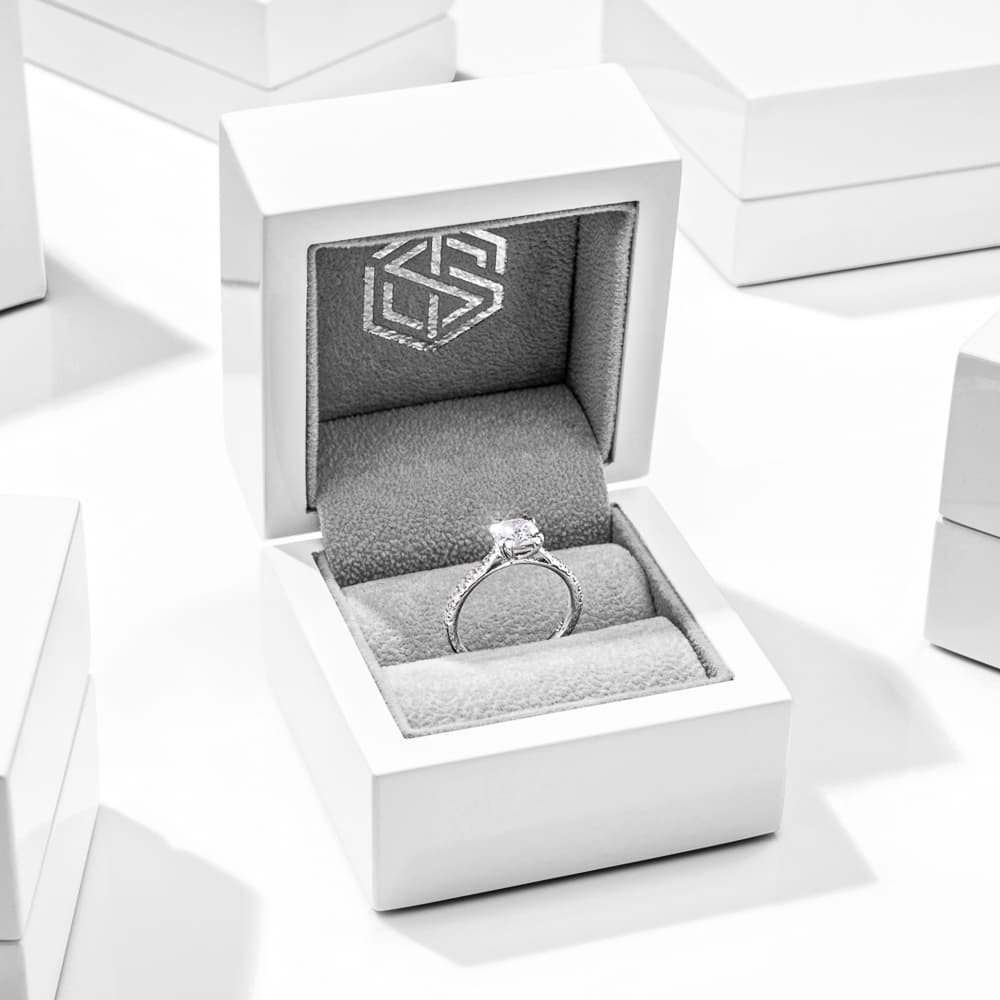
Keep finishing honest
Clean-up can remove dust and temporary marks without changing the product design. Be careful with edits that alter material, colour, construction or included features.
Apply the same standard to AI-generated and composited imagery. Compare the result with approved references and inspect small details as well as the overall scene. No production method removes the need for review.
Review the page as a whole
Place the gallery in order and ask what a new customer could still misunderstand. Check the relationship between the pictures, specifications, variant selector and written description.
If one question remains unanswered, add the right image or explanation. You may need fewer repetitions and one better detail, rather than a larger gallery. For a practical choice between image types, see packshots and lifestyle photography.


