PMP / Free photography tools
Plan your photos.
Improve your
listings.
Four free AI tools to plan your photography, review an image and write your product listing. Built by Photograph My Product.
Explore the four toolsNo card needed. No image credits used.
Choose your starting point
Four tools. Yours to use.
Use the one you need today. Your work stays in your PMP account.
Set the Look
Turn the references you love into a visual direction you can use again.
Explore the tool 02Photo Brief
Bring your notes, references and product details together in one useful brief.
Explore the tool 03Product Photo Audit
Understand what is helping your product image—and what could work harder.
Explore the tool 04Listing Copywriter
Create a useful first draft of listing copy for Amazon, Shopify or your website.
Explore the tool01 / Find your direction
Set the Look
Turn the references you love into a visual direction you can use again.
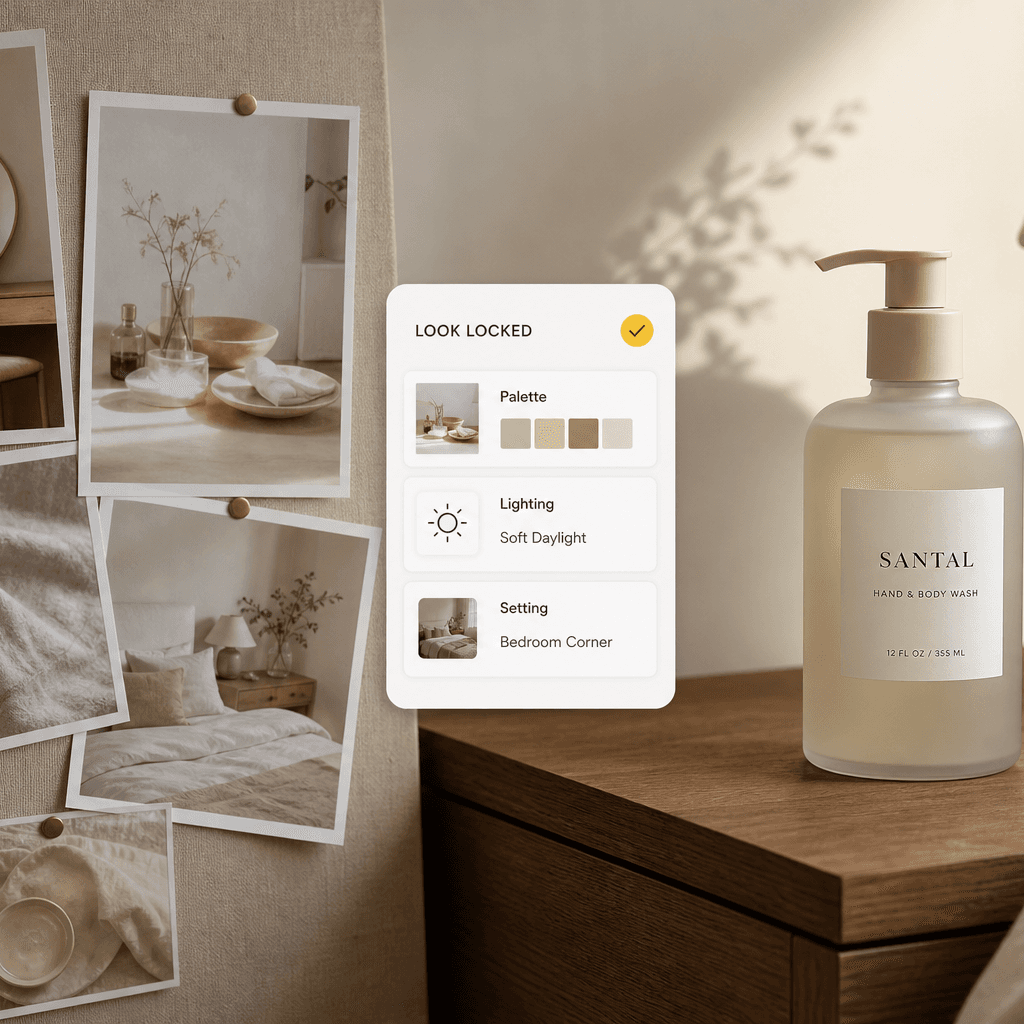
Upload your references to explore the colours, lighting and settings they share. Choose a suggested direction and save it as a look for your next Studio project.
- Find the common thread in your references
- Choose a direction before creating images
- Reuse your saved look across supported Studio tools
02 / Make the plan
Photo Brief
Bring your notes, references and product details together in one useful brief.
Add your notes, documents and product details. Photo Brief organises them into an editable plan and highlights questions to resolve before you start a shoot or Studio project.
- Spend less time assembling scattered information
- Spot questions to resolve before a shoot
- Review and edit the brief before using it
03 / See what to improve
Product Photo Audit
Understand what is helping your product image—and what could work harder.
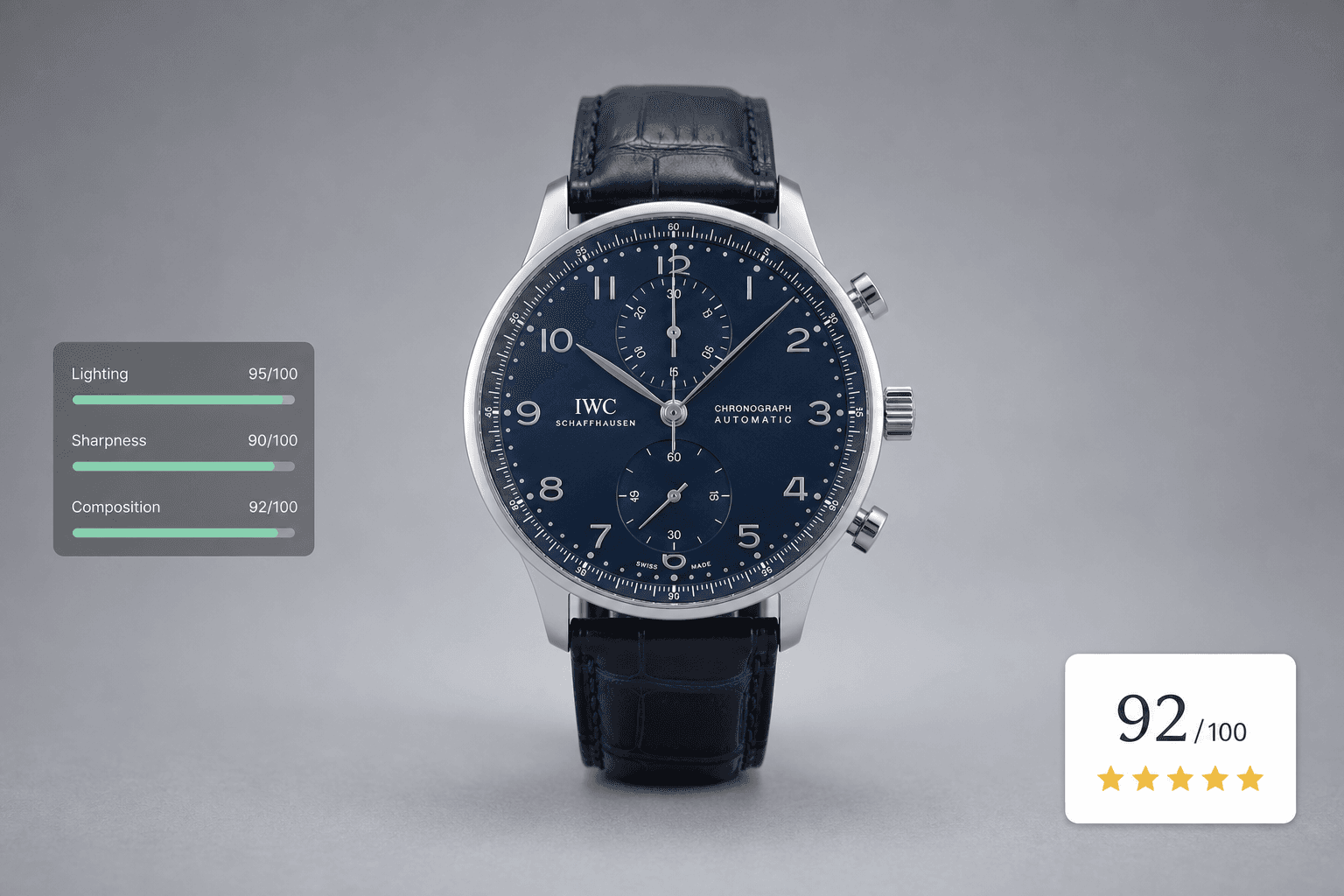
Upload a product photograph and tell us where you want to use it. Get an AI review of details such as lighting, crop, clarity and background, with practical recommendations to help you decide what to improve next.
- Look beyond whether an image simply looks nice
- Get feedback in the context of its intended use
- Plan a more focused edit or reshoot

04 / Put it into words
Listing Copywriter
Create a useful first draft of listing copy for Amazon, Shopify or your website.
Start with your product photo, add the facts that matter and choose your destination. Listing Copywriter helps shape that information into copy you can review, refine and use alongside your imagery.
- Get past the blank page faster
- Shape the copy for your chosen destination
- Keep control of the facts, tone and final wording
PMP. Photographing products since 2018.
Need a photographer?
You’re in the right place.
We’ve photographed products from our York studio since 2018. If your next step needs careful retouching, a new photograph or help with an image, talk to us about it. You can also take your ideas into PMP AI Studio.
Photography, retouching and image generation are separate services.A few useful answers.
Are all four tools free?
Yes. These tools do not use image-generation credits. You need a free account to use them and keep your work. Fair-use limits apply; creating images and booking studio services are separate.
Do I have to complete onboarding first?
No. Choose a tool here, create your account and go straight to its workspace. After your first successful result, you can take a moment to explore it before we invite you to personalise your Studio. That next step is optional.
Is the feedback from AI or a photographer?
The tools use AI to help you plan, review and write. Their output is yours to check and refine. A personal review or hands-on work from the PMP team is a separate service—contact us when you want that human input.
Can I use these with my own photography?
Yes. Start with your own product photos, references or notes. You can use the tools to plan a traditional shoot as well as a project in PMP AI Studio.