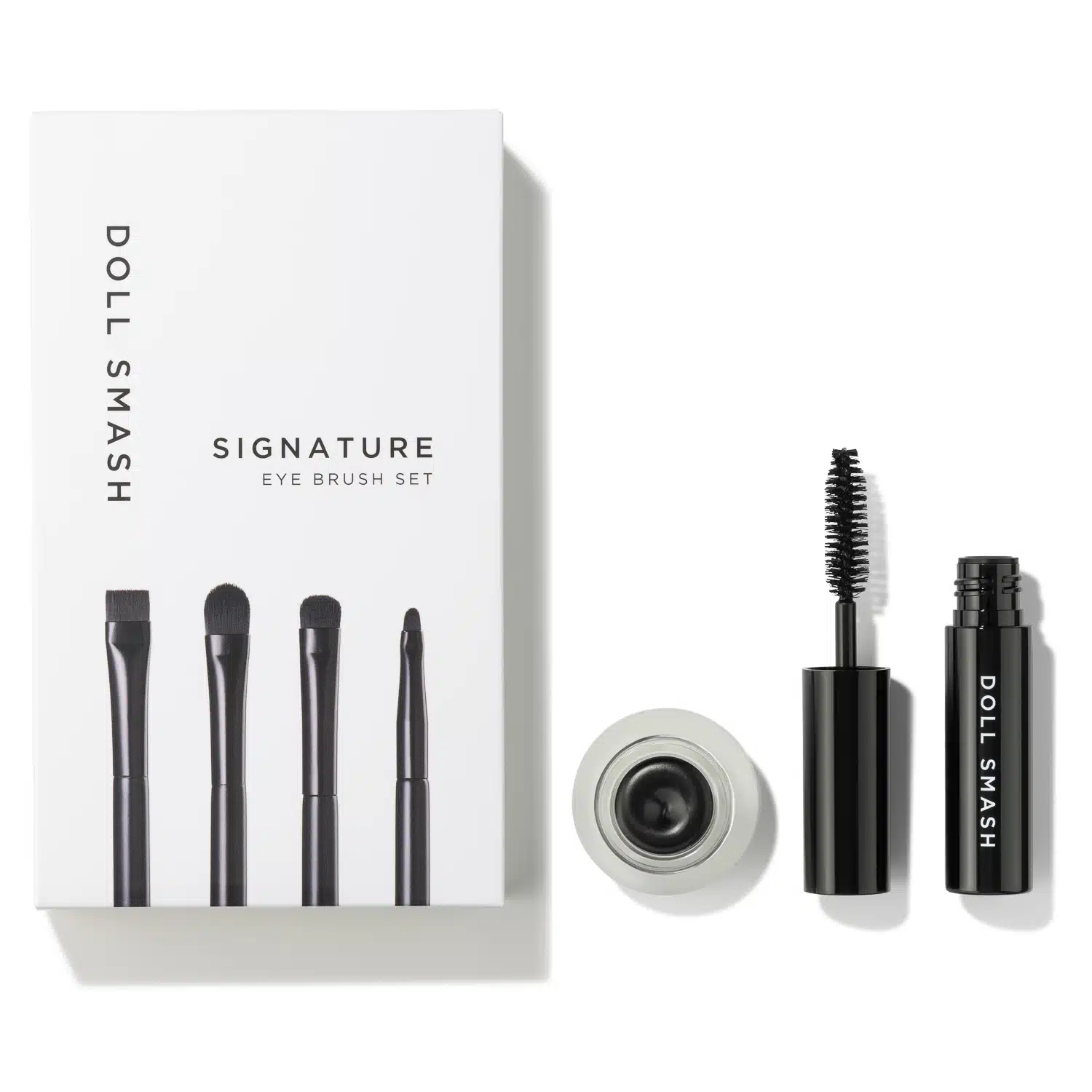
Prime Day is usually framed as a pricing event, but for most shoppers it is still a visual decision first. If the main image looks weak, people rarely click through to read the bullet points.
In studio, we see the same pattern every year. Brands that prepare imagery early spend Prime Day managing stock and bids. Brands that leave visuals late spend the event fixing avoidable issues.
The last-minute misses are rarely dramatic. It is usually something small but expensive: text that feels cramped on mobile, a size reference that never made it into the gallery, or a hero image that looked fine on desktop and weak in a search result.
Studio note
Prime Day winners usually look prepared, not loud. Clear imagery and better structure often beat last-minute promotional copy changes.
A practical 8 week timeline
You do not need a huge production setup to prepare properly. You do need enough time for planning, review, and platform checks.
Lock SKU priorities and image types
Confirm what needs fresh packshotsand what needs new lifestyle imagery.
Shoot and first-pass review
Check focus, colour, and accuracy before final approvals.
Upload and QA in Seller Central
Validate image order, zoom quality, and A+ module behaviour.
Freeze creative and monitor readiness
Leave enough time for indexing and final checks before event traffic.
Quick readiness checklist
Main image clear at thumbnail size
Product fills frame without clipping
Support images answer key buyer questions
A+ modules match product tone
Mobile preview checked before launch
File names and versions organised
What good Prime Day imagery does
It reduces hesitation. The best listings answer practical questions quickly: size, texture, finish, what is included, and what the product looks like in real use.
This is where infographic imageshelp. They are not decorative. They are there to remove friction and help shoppers compare options quickly.
Common mistakes we still see
What causes delays
- Uploading in the final days
- No SKU-by-SKU image checks
- Treating A+ as long-form copy
- Skipping mobile QA
What works better
- Planned upload window
- Fit and scale reviewed per listing
- Visual-first A+ modules
- Desktop and mobile checks
How to brief your photographer for Prime Day
A useful brief keeps the whole project calmer. Include SKU count, required angles per SKU, where each image will be used, and any claims that need visual proof.
If you already have a draft brief, this guide on creating a photography briefcan help tighten it before production day.
What to do next
Build your Prime Day plan around production and QA dates first. Promotions and copy updates should sit on top of that foundation.
Final recommendation
If Prime Day matters to your revenue, treat imagery like an operational task with deadlines, not a final design step. Start with the SKU list, then brief, then production, then QA.
If you only fix one thing before Prime Day, fix the main image and the first two supporting images. They do most of the work. If you want a second opinion on your current listing set, you can review our Amazon photography workflow, check pricing, and send your SKU list through the enquiry form.