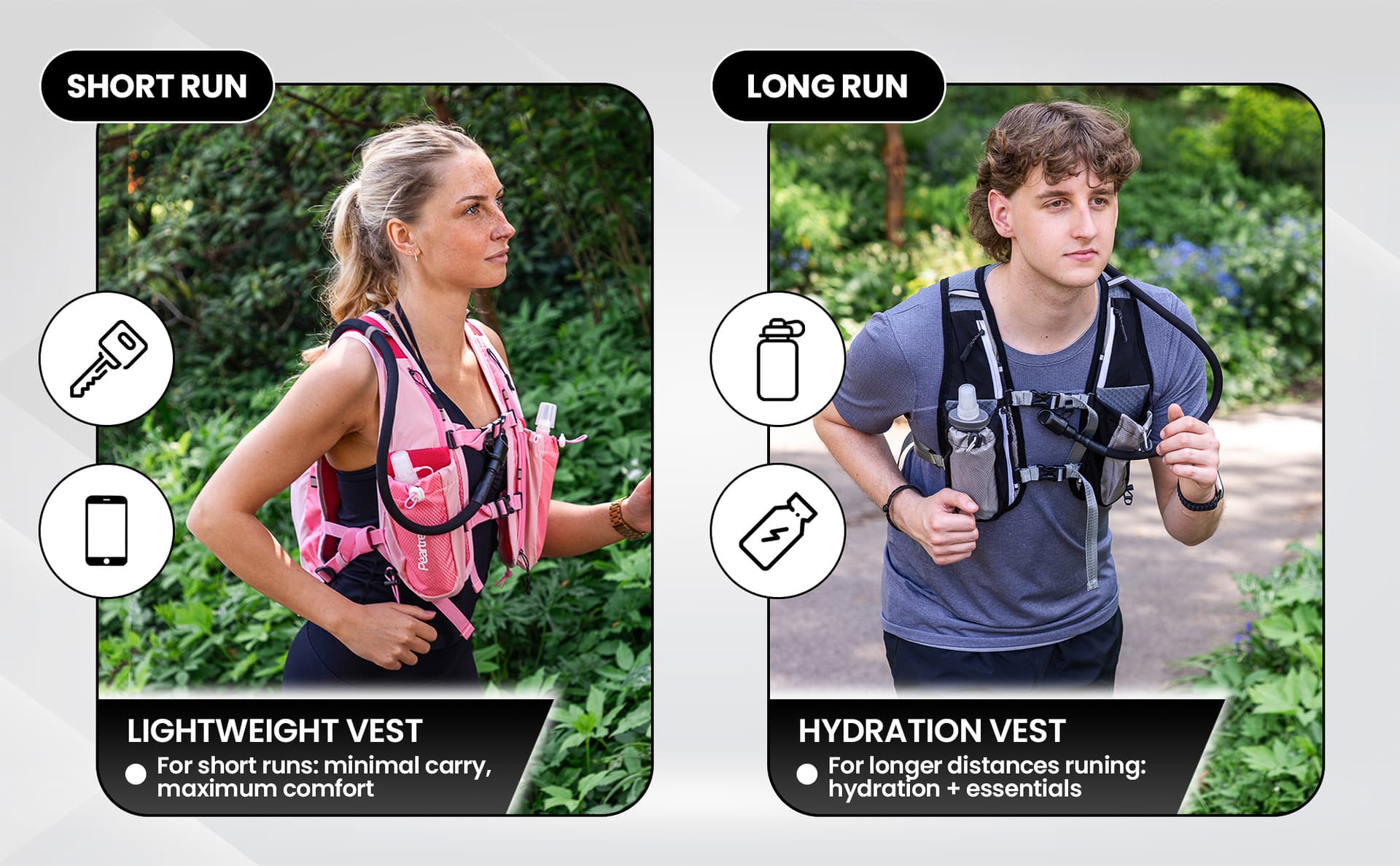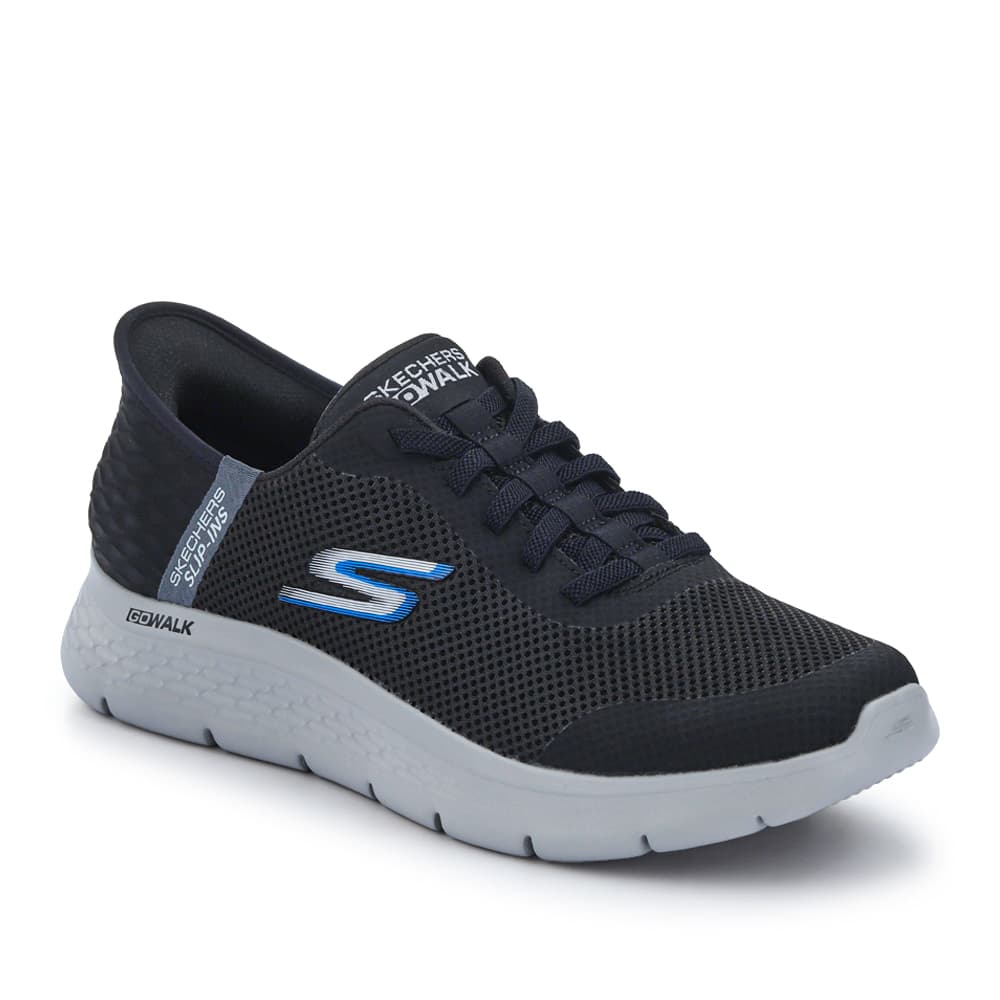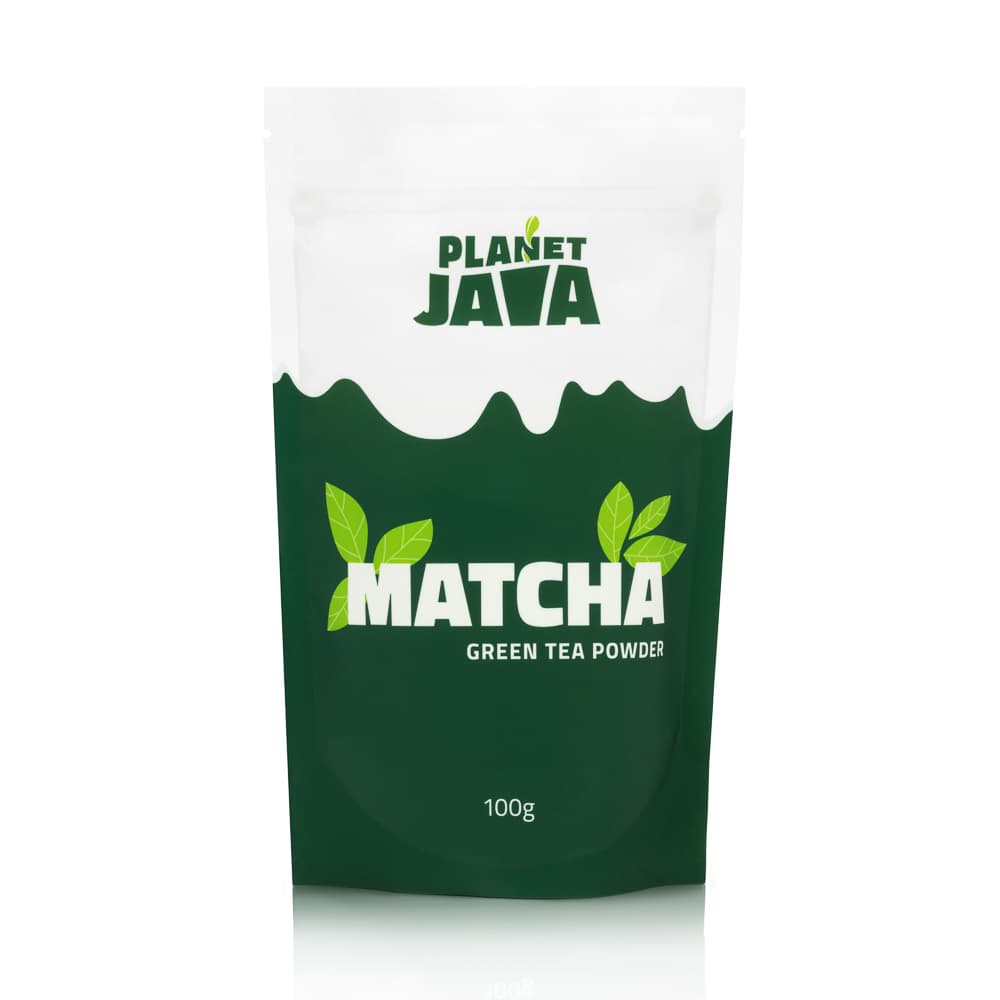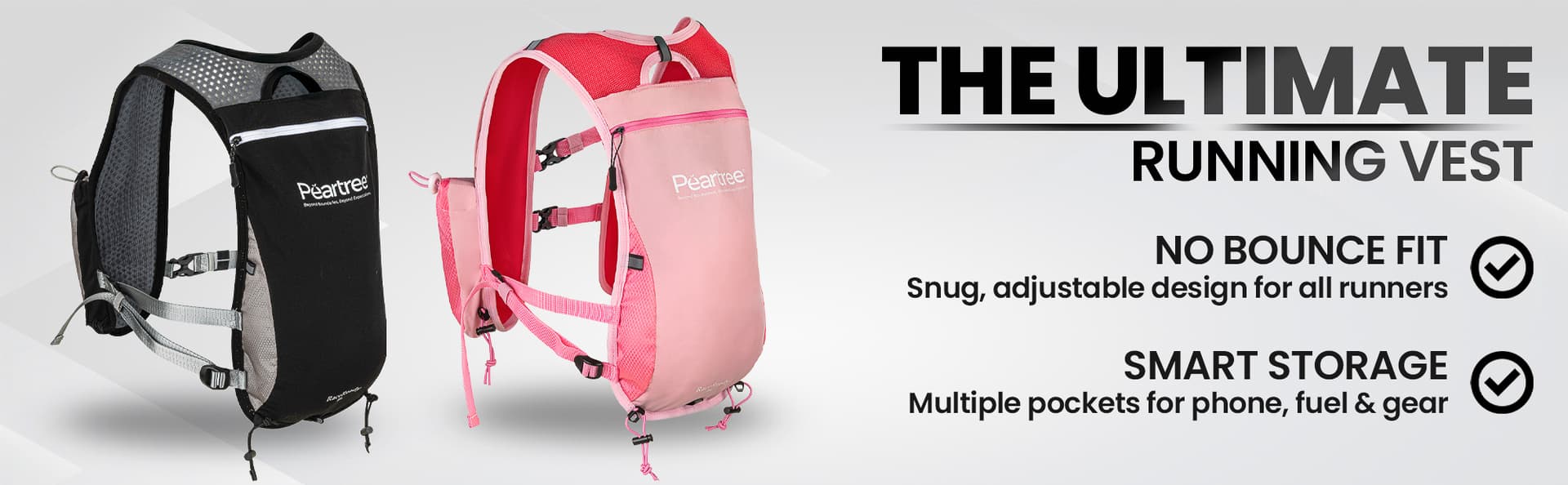
A+ Content is the section of an Amazon listing that sits beneath the bullet points. It’s where you turn an itemised spec sheet into something that feels like a brand. Done well, it meaningfully lifts conversion and average order value. Done as an afterthought, it dilutes the rest of the listing and gives competitors an easy edge.
Most A+ briefs we see are too short on the photography and too long on copy. This is what a brief that produces A+ Content that actually performs, and gets approved first time, should include.
Start with the modules, not the copy
A+ Content is built from a fixed set of layout modules. Your brief should pick the modules first, then write the copy and shoot the photography to fit them, not the other way round. The most common module choices for a standard A+ build:
- Standard hero / image header (970×600): top-of-A+ banner. Brand statement, product name in shot, and strong lifestyle imagery.
- Standard image & light text overlay (970×300): short tagline-style banner used as a section divider.
- Standard four-image & text quadrant: 2×2 grid showing four key features. Workhorse module on most A+ builds.
- Standard image header with text: a single lifestyle image with paragraph copy beneath. Use for product story or use-case explanation.
- Standard comparison chart: compares your own products to each other. Powerful cross-sell module. Do not use it to attack competitors.
- Brand story (separate from main A+): a 6-slide horizontal scroller that appears on every listing under the brand. Set up once and reused.
The trap to avoid is filling A+ with seven of the same module type. The visual rhythm matters. Alternate full-width banners with grid modules, and keep the read-time under about 90 seconds. For the underlying image specs that govern every A+ module, see our Amazon image requirements 2026 guide.
The brief structure that works
A working A+ brief has six sections. Sending a brief that’s missing any of these almost always leads to revisions or a rejected first submission.
- Audience & intent. Who is the buyer? What’s their alternative if they don’t buy from you? What objection are they most likely to hit at the bottom of the listing?
- Module wireframe. A simple sketch (or even a bullet list) of which modules go in which order, with a one-line note on what each module is communicating.
- Copy by module. Write each module’s text in its own block, with character counts. Most A+ modules cap copy at 200 to 500 characters per block. Brevity is forced by the format.
- Image brief by module. Each image needs: module type, dimensions, what’s in shot, treatment (white background / lifestyle / styled / cut-out), and any text overlays.
- Brand story content. Even if you’ve done this once, link to the existing brand story so the writer can make sure A+ doesn’t duplicate it.
- Compliance checks. No competitor names, no pricing, no shipping promises, no medical or scientific claims without certification, no testimonials with personal names.
The image specs you actually need to give the photographer
A+ images don’t use the standard listing image rules. They have their own dimensions per module, and text overlays are allowed and expected. The most common specs to brief in:
- Hero / banner: 970×600 px, JPEG, sRGB, under 5 MB.
- Module images (quadrant): 300×300 px or 362×453 px depending on module, JPEG, sRGB, under 5 MB.
- Comparison chart thumbnails: 150×300 px, JPEG, sRGB, under 5 MB. These display very small, so keep them simple.
- Brand story tiles: 463×625 px (slide), or 1464×625 px (full-width banner module).
- Premium modules (if eligible): 1464×600 px hero, plus video at 1280×720+.
For the strategic positioning of A+ within the wider image stack, see main image vs lifestyle vs infographic. A+ extends the same job further down the page.
Production sequence: the order things should happen
A+ Content is the easiest part of an Amazon listing build to over-engineer. The sequence below avoids the most expensive backtracks:
- Lock the module wireframe before any copy or photography is produced.
- Write the copy. This forces the brief on the photography. You can’t shoot to a feature claim that hasn’t been written yet.
- Shoot photography against the locked wireframe. Brief the shoot from the wireframe, not from a generic shot list.
- Retouch images to the exact module dimensions. Resizing in the Amazon uploader gives unpredictable results.
- Produce a layout PDF combining wireframe + final imagery + final copy. This is what gets uploaded against, not loose files.
- Submit. If it’s rejected, the rejection reason is almost always copy-related, not image-related.
What gets A+ rejected
Amazon’s A+ review team consistently rejects on the same short list of issues. Avoid these and a clean first-time approval is the norm.
- Mentioning competitor brands or products by name.
- Pricing, shipping, or warranty information in the copy.
- Medical, scientific or weight-loss claims without supporting certification.
- Customer testimonials with personal names, even if they’re yours.
- Logos for awards, press, or third parties that you don’t hold the rights to display.
- Images with text overlays that include “Amazon’s Choice”, “Best Seller” or any Amazon-managed badge.
- Image dimensions that don’t match the chosen module.
- Hyperlinks. A+ Content does not support them. Including them as text won’t cause rejection but they don’t work.
The brand story (separate from A+)
The brand story is a horizontal-scroll module that appears above the A+ Content section on every listing for the brand. It’s built once and reused, so one brief covers your entire catalogue.
A workable brand story brief includes:
- Slide 1, brand banner: 1464×625 px, lifestyle image with brand name overlaid.
- Slides 2 and 3, story: 362×453 px each, showing founder / origin / craft / sourcing imagery with short paragraph captions.
- Slide 4, range cross-link: 4-tile grid of your top product images. Each is automatically linked to the corresponding listing in your catalogue. Powerful cross-sell.
- Slide 5, commitment / promise: a short quality, sustainability, or guarantee statement with supporting imagery.
The full Amazon image cluster
The other guides in this series:
- Amazon image requirements 2026. The full technical spec for every slot.
- Main image vs lifestyle vs infographic. The buyer-funnel role of each image type.
- Amazon images in 2026: compliance is only the starting point. Why the rules are the floor, not the ceiling.