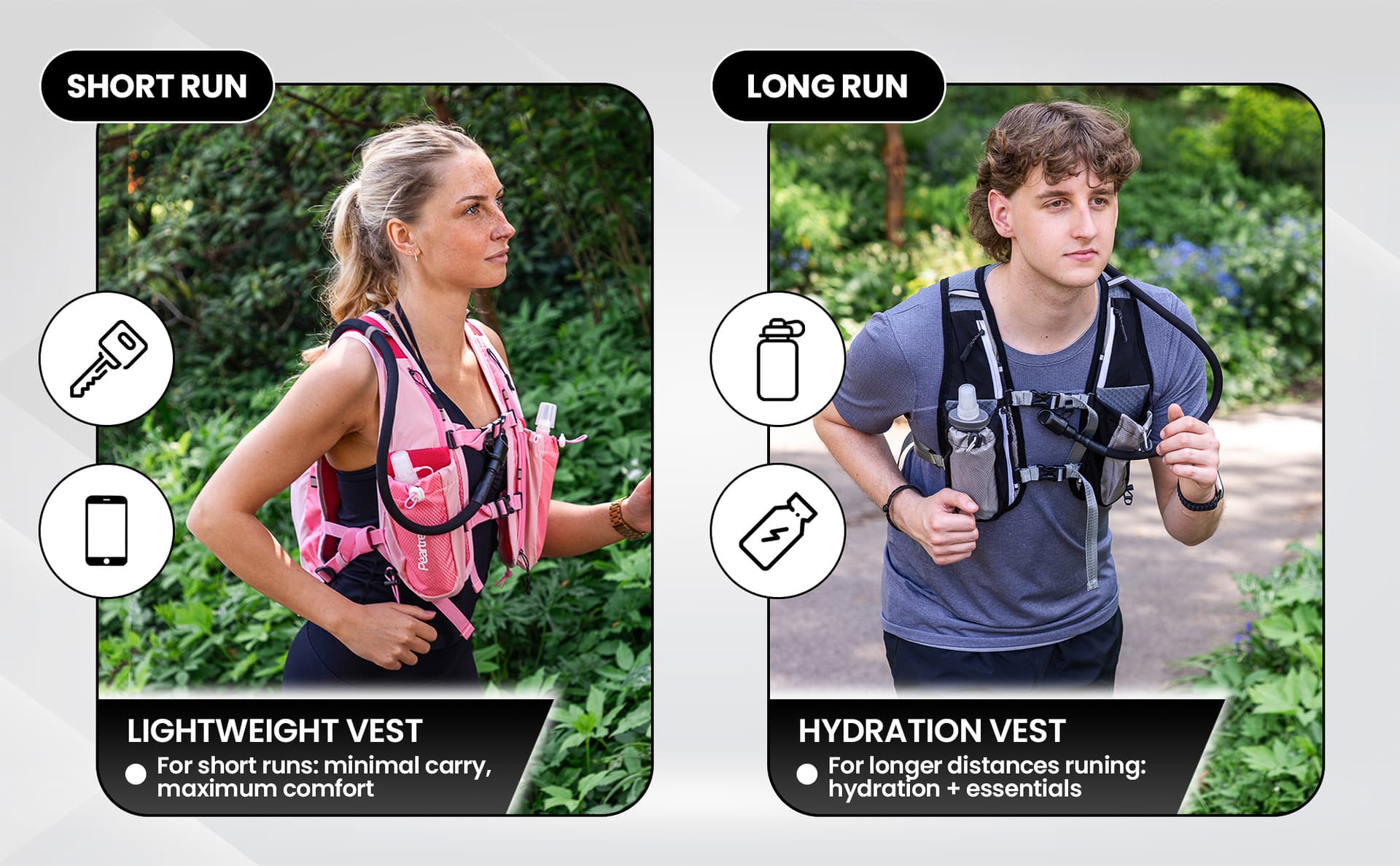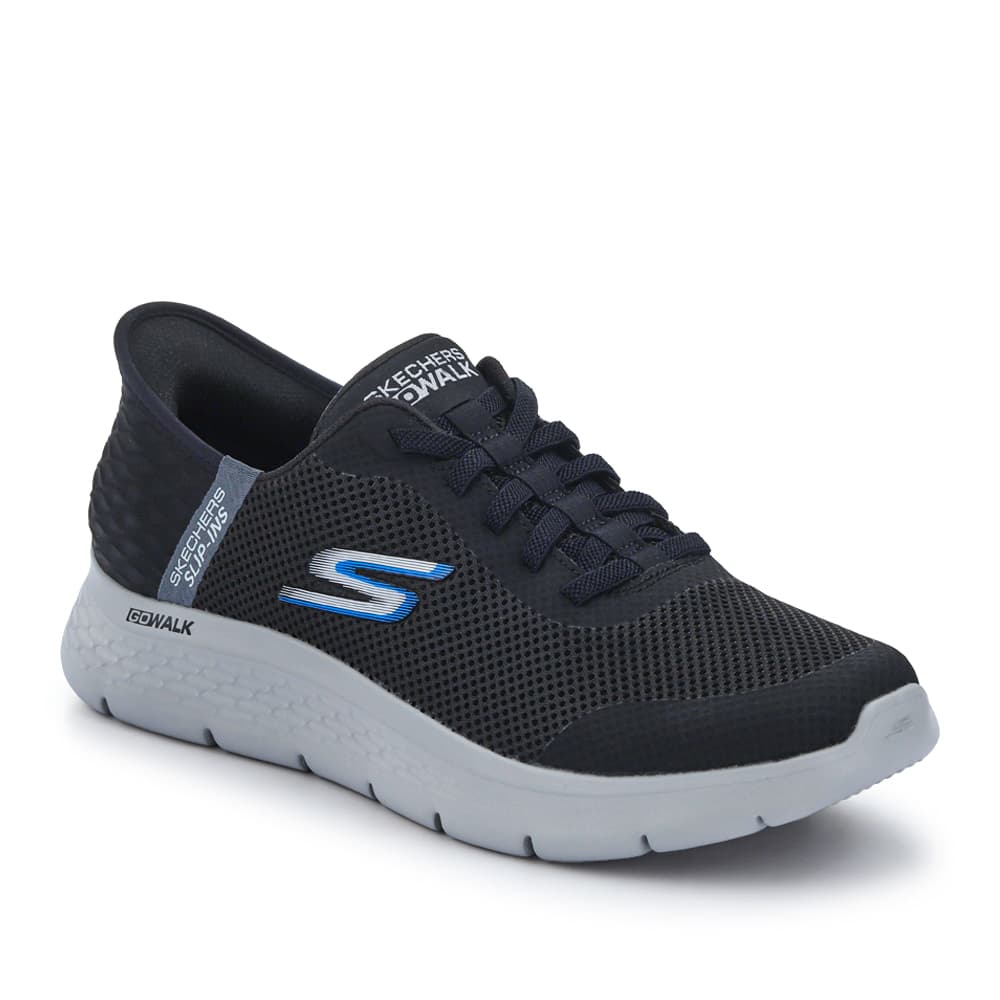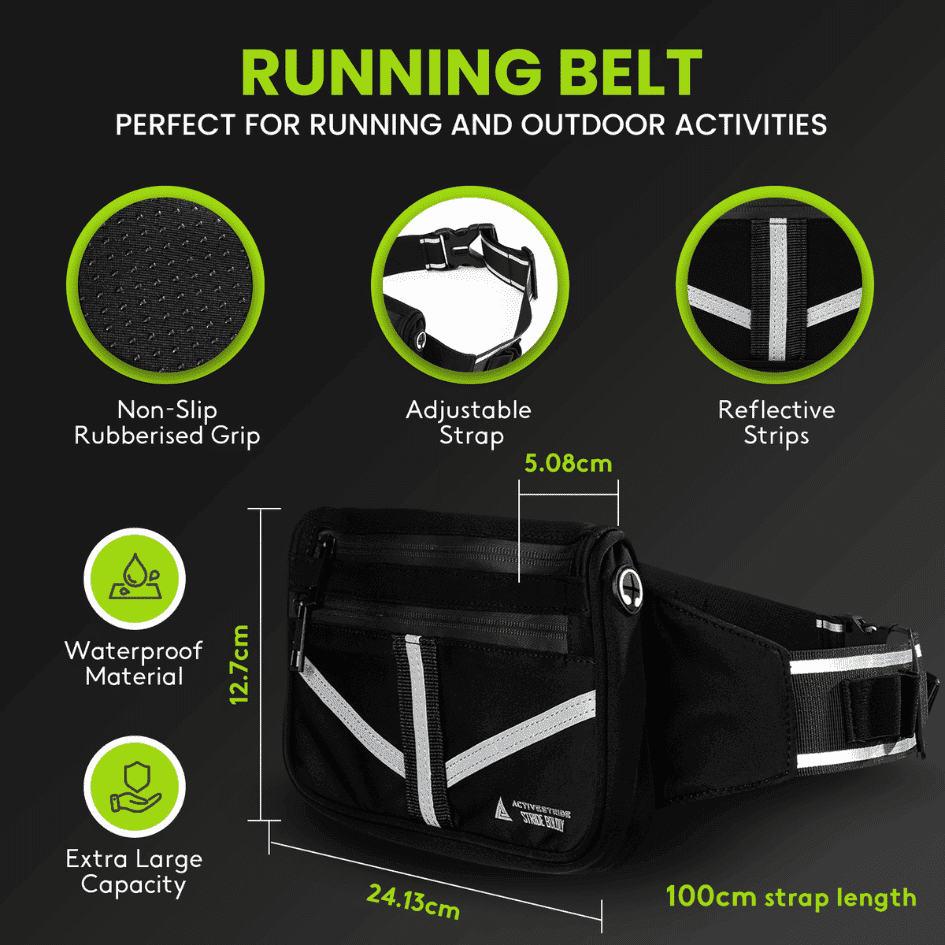
A+ Content gives eligible sellers additional ways to explain a product on its detail page. It is most useful when it resolves questions that the opening gallery and short description leave unanswered.
Start with the buyer’s next question, rather than a blank module library. The content may need to explain materials, show a process or help someone choose between products. A large image with a vague slogan is not always the best use of the space.
Choose what the section should explain
List three or four useful points about the product. Prefer concrete information over broad claims such as “exceptional quality”. A close view of stitching, a clear explanation of care or a labelled feature can make that idea more tangible.
Decide which information belongs in an image and which should remain readable text. Avoid placing long paragraphs inside graphics that become small on mobile.
Build a simple narrative
Open with the product and its intended use. Follow with the details needed to assess it. Add a comparison only when the range offers meaningful choices and the information is accurate.
A short brand section can explain who makes the product or why it exists. Keep it relevant to the purchase rather than turning the page into a full company history.
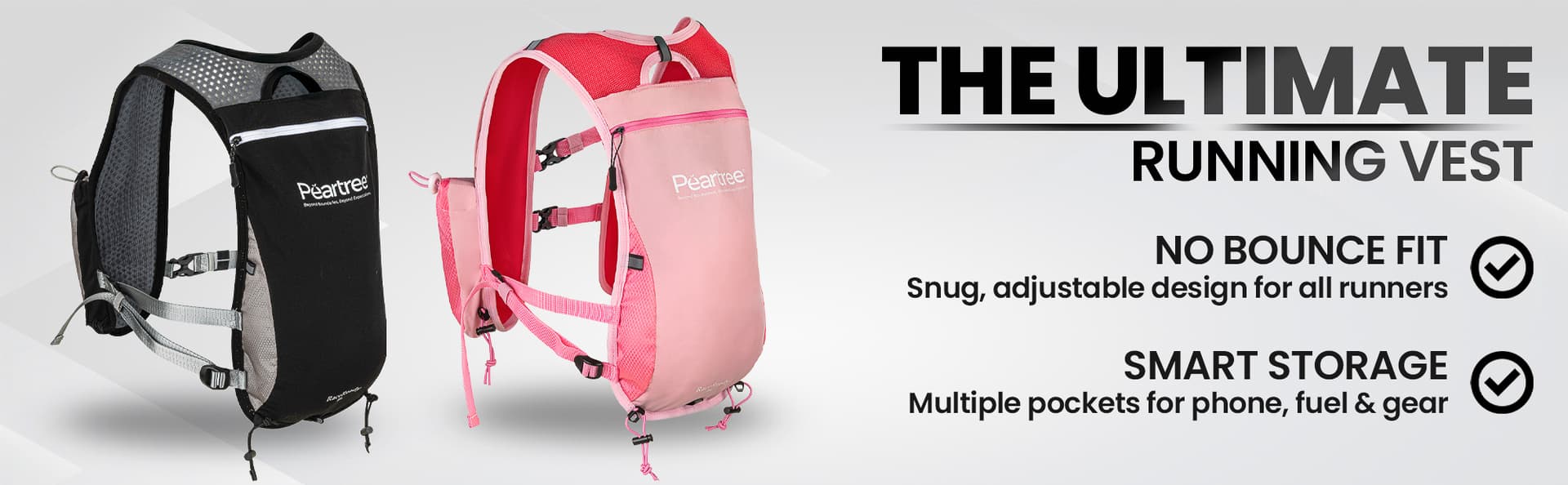
Brief the images against the modules
Check the modules available in your account, then record their actual image dimensions and cropping behaviour. Ask for enough surrounding space where a layout needs room for copy. Do not assume one wide image will fit every placement.
Amazon’s A+ design guide is a useful official reference. Use the current content manager for the specifications that apply to your selected modules.
Review the complete page
Preview on desktop and mobile. Check legibility, image crops, product names and the sequence from gallery to A+. Remove repeated statements that add length without information.
Confirm claims and category requirements before submission. Publication is subject to Amazon’s review; a successful design process cannot guarantee approval.
Prepare the next brief
Collect your selected modules, current product images, approved copy and any missing shots. Our A+ photography brief explains how to hand that material to a studio or designer. If you are still choosing the structure, start with what you need for A+ Content.